
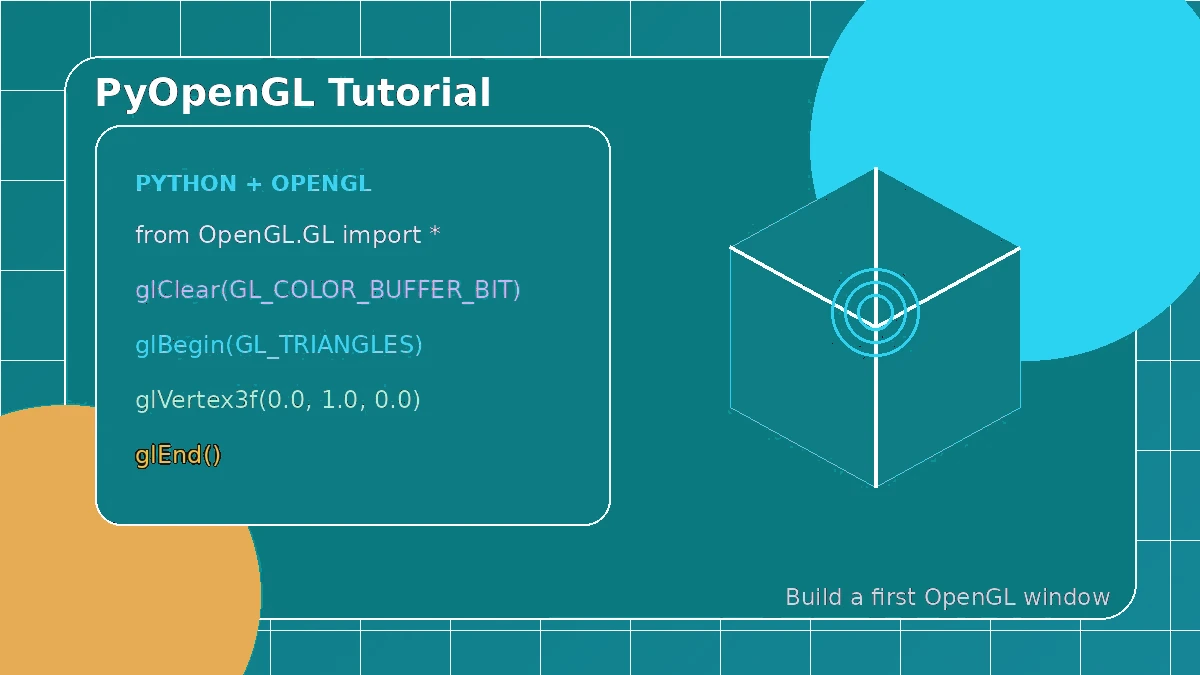
A good PyOpenGL tutorial should make the graphics pipeline feel understandable, not mysterious. Before you draw anything, your program needs a window, a valid OpenGL context and an event loop. Once those pieces are working, you can add shaders, buffers and a simple draw call without guessing which layer caused an error.
Begin with a working window
PyOpenGL gives Python access to OpenGL, but a separate toolkit normally creates the window and context. Pick one toolkit, open a small window and make sure it stays responsive before adding any rendering code.
Understand what happens in each frame
Each frame usually clears the screen, updates state, draws geometry and presents the result. Your window toolkit also processes close, keyboard and resize events, so keep that event loop running and update the viewport when the window size changes.
# Call only after a context is current
glViewport(0, 0, width, height)
glClearColor(0.05, 0.08, 0.15, 1.0)
glClear(GL_COLOR_BUFFER_BIT | GL_DEPTH_BUFFER_BIT)
Add buffers and shaders one step at a time
Modern OpenGL stores vertex data in buffers and uses shaders to position and color that data. Start with one small vertex array and a simple vertex-and-fragment shader pair. Print shader logs so problems are visible instead of silent.
Debug in a predictable order
Check the project in this order: Python import, window, current context, OpenGL version, shader compilation, buffer upload and draw call. This sequence keeps an environment problem from looking like a shader or geometry problem.
Build on a known-good example
After the first visible triangle, add only one new idea at a time—such as transformations, textures, depth testing or camera movement. Keep the original working example nearby so you can compare changes when something breaks.