
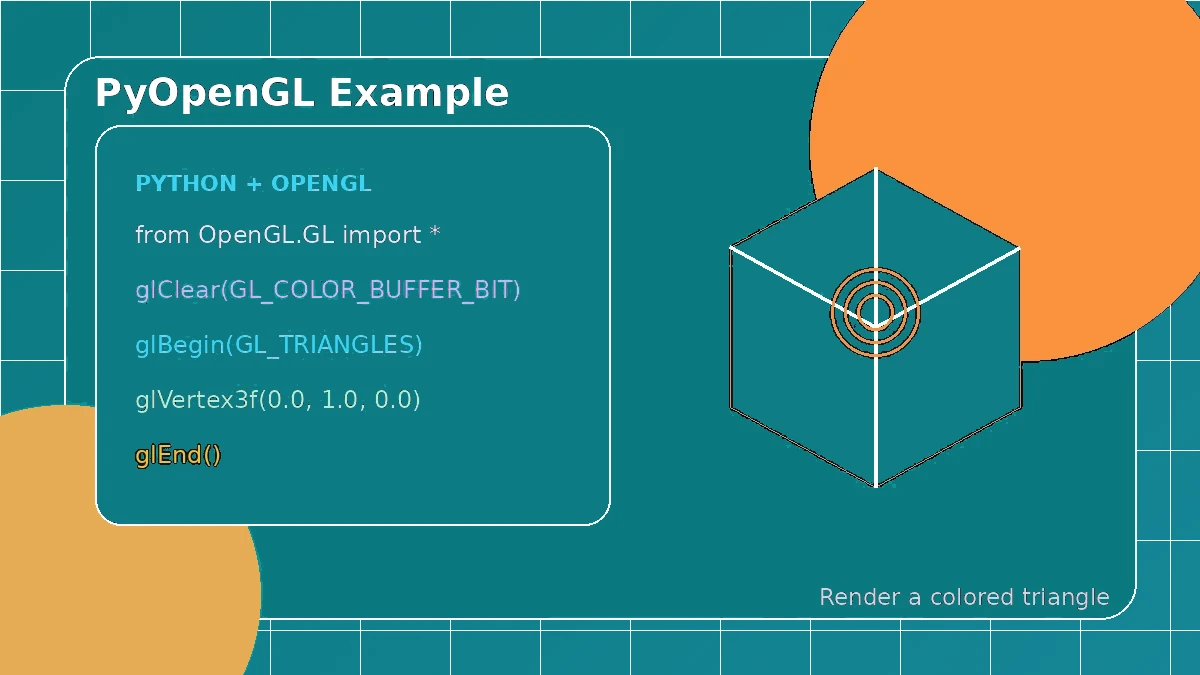
The best beginner example is small enough to understand but complete enough to show the real graphics pipeline. A modern triangle still needs a window and context, vertex data, shaders, a buffer layout, a frame loop and resource cleanup. Keeping those parts visible makes the example easier to reuse.
Describe the triangle data clearly
Store three vertex positions—and optional colors—in a contiguous numeric array. Decide the order, component count and stride before uploading the data so the shader inputs match the buffer layout.
Keep the shaders simple
Use a small vertex shader and fragment shader. Print compile and link logs during development, because even a warning can reveal a version or portability issue before it becomes harder to diagnose.
while not should_close():
process_events()
glClear(GL_COLOR_BUFFER_BIT)
glUseProgram(program)
glBindVertexArray(vao)
glDrawArrays(GL_TRIANGLES, 0, 3)
present_frame()
Create graphics objects after the context
OpenGL objects require a current context. Create the vertex array, buffer and shader program only after the window is ready, rather than at module import time.
Draw and present the frame
Clear the screen, use the shader program, bind the correct vertex array and draw the three vertices. Process window events and present the frame on every loop iteration.
Clean up while the context still exists
Delete buffers, vertex arrays and programs before the context is destroyed. Tiny examples often skip cleanup, but clear ownership becomes important as the project grows.