
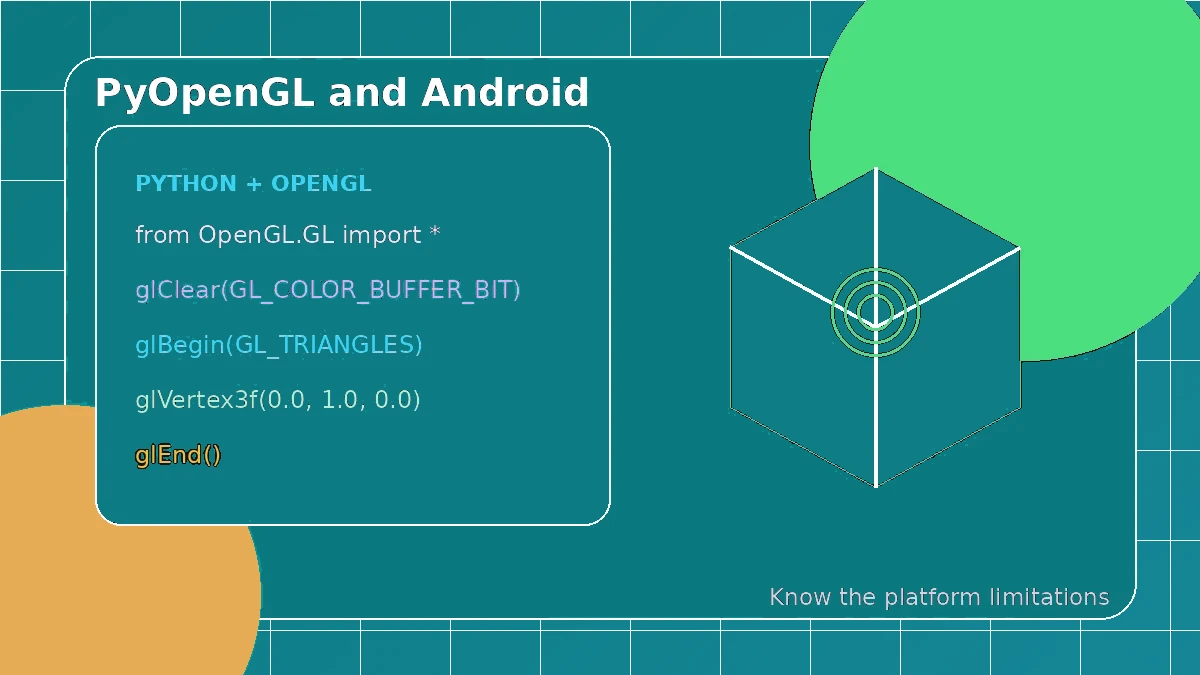
It is tempting to expect a desktop PyOpenGL project to run on Android after a simple install, but the mobile platform works differently. Android uses OpenGL ES, a lifecycle-driven application model and platform-specific packaging, so you need a Python framework or runtime that explicitly supports those pieces.
Android targets OpenGL ES
Android devices expose OpenGL ES rather than the same desktop OpenGL environment used by many tutorials. Your shader version, context setup and available features must match the device’s ES support.
Mobile contexts can be recreated
An Android surface can pause, disappear and return. Graphics resources may need to be recreated after context loss, which is different from many desktop examples that assume one permanent window.
# Use an Android-aware framework and its OpenGL ES context lifecycle.
Python needs an Android-aware runtime
Python code must be packaged through a framework or runtime that handles Android events, native libraries, surfaces and OpenGL ES access. Check that framework’s documentation before planning the rendering layer.
Input and performance change on mobile
Touch input, high-density screens, thermal limits and mobile memory bandwidth all affect design choices. Efficient drawing matters, but lifecycle handling and device variation matter just as much.
Choose a supported mobile starting point
For a first mobile graphics project, begin with a framework that clearly documents Android and OpenGL ES support. Use desktop PyOpenGL for desktop learning unless your mobile stack provides a tested integration path.